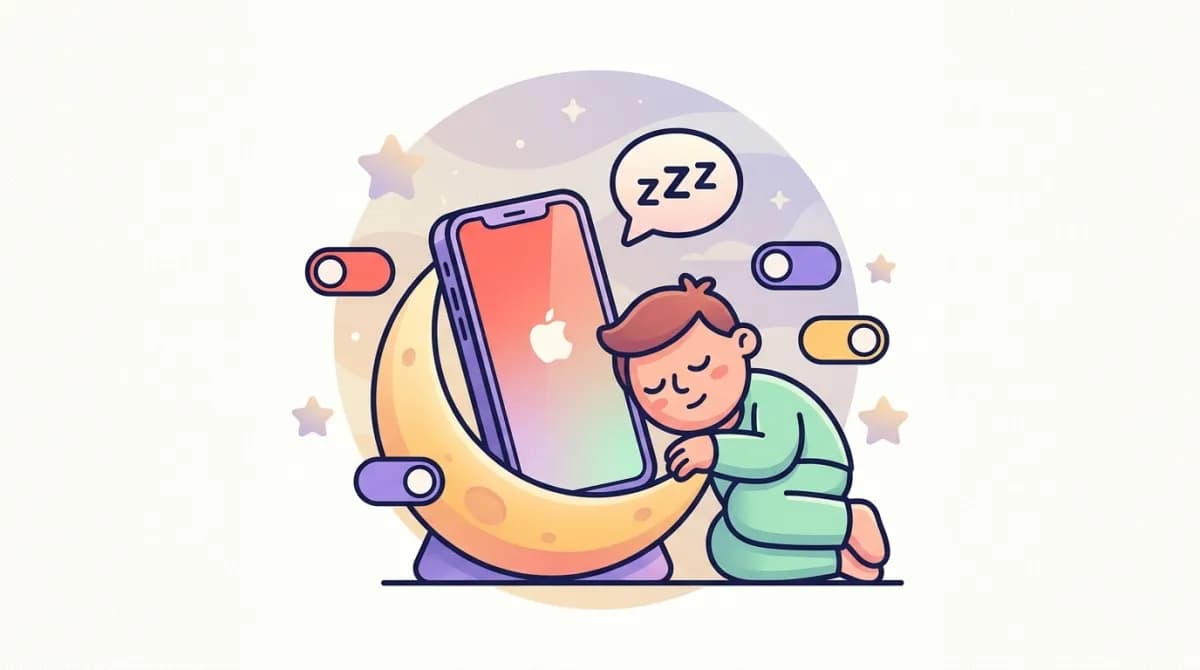
iPhone Sleep Mode Explained: What It Actually Does (And How to Turn It Off)
Your iPhone's screen goes dim and gray every night at 11 PM. Notifications go silent. Your lock screen turns into a minimalist clock. You didn't ask for any of this — and now you're searching for how to make it stop (or wondering what it's even for).
Here's the confusing part: "Sleep Mode" isn't one feature. It's Apple's name for a bundle of three things — Sleep Focus, Sleep Schedule, and Wind Down — spread across two apps. Once you untangle which piece does what, controlling it is easy.
The 30-second answer
- To turn Sleep Mode off right now: swipe into Control Center → tap Focus → tap Sleep to toggle it off.
- To turn it off permanently: open the Health app → Browse → Sleep → Full Schedule & Options → toggle Sleep Schedule off.
- Your alarm will still go off either way. Sleep Mode never silences Clock alarms. Now the details.
What Sleep Mode actually is (the 3 pieces)
1. Sleep Schedule (lives in the Health app). This is the engine. It's the bedtime-and-wake-time schedule you (or a setup prompt, or an Apple Watch pairing) created at some point. It drives when everything else activates, and it generates the "sleep | wake up" alarm you see in the Clock app.
2. Sleep Focus (lives in Settings → Focus). This is what actually does things to your phone while the schedule is active: silences notifications, dims the lock screen, and hides distractions. Like other Focus modes, it lets calls from Favorites or repeated callers through, and — importantly — it does not silence alarms.
3. Wind Down (the pre-sleep buffer). Starts before your scheduled bedtime (default 45 minutes, adjustable up to 3 hours). It activates Sleep Focus early and can run shortcuts — dimming lights, opening a reading app. This is why your phone sometimes "goes into sleep mode" long before your actual bedtime.
What Sleep Mode does — and doesn't do
It does:
-
Silence notifications (they collect quietly in Notification Center)
-
Dim and simplify your lock screen
-
Turn on automatically at Wind Down time and off at your wake time
-
Track time-in-bed and, with an Apple Watch, actual sleep stages
-
Sync across your Apple devices signed into the same Apple ID It doesn't:
-
Silence or change your alarms — Clock alarms and the Sleep wake-up alarm override it
-
Block calls from everyone (Favorites and repeat callers can still get through, depending on your Focus settings)
-
Track anything on its own without a schedule being set — no schedule, no data
-
Affect your alarm volume — that's a separate system entirely (here's what actually controls alarm volume)
How to turn Sleep Mode off temporarily
If you just want your phone back tonight:
- Swipe down from the top-right corner to open Control Center.
- Tap Focus.
- Tap Sleep to toggle it off. This turns Sleep Focus off until the next scheduled period — tomorrow night it will come back. That's the key difference from the permanent fix below.
How to turn Sleep Mode off permanently
To stop the whole system — schedule, Focus automation, Wind Down, the sleep alarm:
- Open the Health app.
- Tap Browse (bottom right) → Sleep.
- Scroll to Full Schedule & Options.
- Toggle Sleep Schedule off (at the top). What happens next:
- Sleep Focus stops auto-activating, and Wind Down stops.
- Your sleep | wake up alarm is disabled — if you relied on it, set a regular alarm in the Clock app so you don't oversleep. (If you want a better tone than the default, see how to change your alarm sound.)
- Your historical sleep data in Health stays put; new data stops being collected. If you want to keep the schedule but kill only part of it, that same screen lets you adjust Wind Down length, edit the schedule itself, or turn off the wake-up alarm while keeping tracking. You can also fine-tune what Sleep Focus blocks in Settings → Focus → Sleep — allow specific people or apps, or stop it from dimming the lock screen (Options → Lock Screen).
"My phone still dims at night" — two lookalikes to check
Turned everything off and the screen still goes dark or weird at bedtime? You're probably seeing one of these instead:
- Night Shift (Settings → Display & Brightness → Night Shift): shifts colors warmer on a schedule. Looks like "sleep mode" to a lot of people. Disable or reschedule it here.
- True Tone / auto-brightness (Settings → Display & Brightness, and Settings → Accessibility → Display & Text Size): adjusts the screen to ambient light. In a dark bedroom the screen naturally dims.
- StandBy: if your iPhone is charging on its side at night, it switches to a big dim clock face. That's a feature, not a bug — turn it off in Settings → StandBy.
Should you actually turn it off?
Honest take: the schedule itself is the valuable part. A consistent bedtime and wake time is one of the highest-leverage things you can do for sleep quality — your body starts preparing for sleep and for waking in advance, which is why people with fixed schedules wake up easier (it's the same mechanism behind why you wake up tired after 8 hours when your timing is off).
So if Sleep Mode annoys you, consider gutting the annoying parts (notification blocking, lock screen dimming) but keeping the schedule as a quiet reminder. Your future groggy self — the one living in sleep inertia until 9 AM — will thank you.
And if what you really want is smarter waking rather than a phone that goes dark on time, that's the gap WakeMind fills: instead of just scheduling your night, it tracks it, wakes you in your lightest sleep stage, and escalates until you're actually up.
Frequently asked questions
What is Sleep Mode on iPhone?
Apple's umbrella for three sleep features: a Sleep Schedule (bedtime/wake time in the Health app), Sleep Focus (silences notifications and dims the lock screen), and Wind Down (a pre-bed buffer that starts Sleep Focus early).
How do I turn off Sleep Mode on my iPhone?
Temporarily: Control Center → Focus → tap Sleep. Permanently: Health app → Browse → Sleep → Full Schedule & Options → toggle Sleep Schedule off.
Does Sleep Mode silence my alarm?
No. Clock alarms and the Sleep wake-up alarm override Sleep Focus and all other Focus modes. If your alarm was quiet, the cause is elsewhere — usually the Ringer and Alerts volume or Attention Aware Features.
Why does my iPhone dim itself at night?
Usually Sleep Focus's simplified lock screen. If it persists after disabling Sleep Mode, check Night Shift, True Tone/auto-brightness, and StandBy.
What's the difference between Sleep Mode and Do Not Disturb?
Both are Focus modes that silence notifications. Sleep Focus is tied to your sleep schedule, dims the lock screen more aggressively, and integrates with Health sleep tracking; DND is a general-purpose, manually controlled mode.
WakeMind goes beyond schedules: it tracks your sleep, finds your lightest moment to wake you, and makes sure you actually get up. Download on the App Store.
Related Articles
Why Is My iPhone Alarm So Quiet? 7 Fixes That Actually Work
iPhone alarm too quiet? It's usually one of 7 settings — Ringer & Alerts volume, Attention Aware, or Bluetooth routing. Every fix, step by step.
8 min read · Jul 29, 2026
How to Change Your Alarm Sound on iPhone (And Which Tones Actually Wake You Up)
How to change your iPhone alarm sound in 4 steps — plus which stock tones science says wake you up fastest, and how to use any song as an alarm.
6 min read · Jul 29, 2026