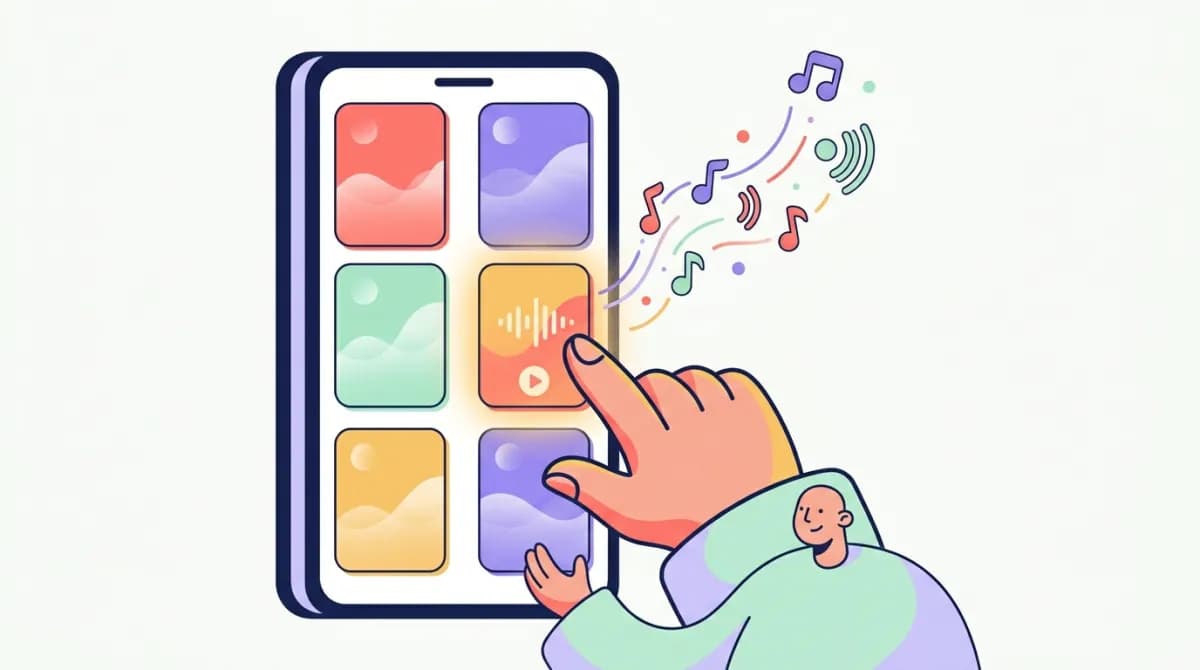
How to Change Your Alarm Sound on iPhone (And Which Tones Actually Wake You Up)
Your iPhone has 50+ built-in alarm tones, and the one you wake up to has a measurable effect on how groggy you feel for the first hour of your day. Changing it takes 30 seconds — picking the right one takes a bit of science.
Here's both.
The 30-second version
- Open the Clock app and tap Alarms.
- Tap Edit (top left), then tap the alarm you want to change.
- Tap Sound.
- Pick a tone — tap any of them to preview. Tap Back, then Save. That's it. If you use Apple's Sleep Schedule (the "sleep | wake up" alarm), the steps are different — skip to that section below.
Changing the sound for every future alarm
There's no global "default alarm sound" setting on iOS — each new alarm you create inherits whatever sound was last selected. So set the tone you want on your next new alarm, and iOS will keep suggesting it from there.
To change several existing alarms at once, you'll need to edit each one — annoying, but it also means you can set a gentle tone for weekend wake-ups and a foghorn for 5 AM flights.
Sleep Schedule alarms are separate
If your wake-up alarm lives under sleep | wake up in the Clock app, it belongs to Apple's Sleep system and has its own sound menu with only 9 "wake up" tones:
- Open Clock → Alarms and tap your sleep | wake up alarm (or go to Health → Browse → Sleep).
- Scroll to Alarm Options.
- Tap Sounds & Haptics and choose a tone. Note the Volume slider in the same screen — Sleep Schedule alarms have their own volume, independent of your ringer volume. If your wake-up alarm has been weirdly quiet while regular alarms are fine, this slider is why. (And if all your alarms are too quiet, read our complete guide to fixing a quiet iPhone alarm.)
How to use a song as your alarm
If the stock tones bore you:
- In Clock → Alarms → Edit → Sound, scroll to the top and tap Pick a song.
- Choose anything from your Apple Music library. Two catches: the song needs to be in your library (streaming-only tracks you haven't added won't appear), and starting your day with a song you love is a well-documented way to ruin that song forever. Choose something you merely like.
What science says about which tone to pick
This is the part most guides skip, and it's the part that matters.
Researchers at RMIT University in Melbourne studied how alarm sounds affect sleep inertia — the groggy, cognitively-impaired fog that can last up to an hour after waking. Their finding: melodic tones produce significantly less sleep inertia than harsh, repetitive beeping. "Melodic" means a tone you could hum along to — a tune with a contour, not a siren.
The leading theory is that melody engages the brain's auditory processing more completely, easing the transition from sleep to wakefulness, while abrupt beeping triggers a startle response that spikes your heart rate without actually clearing the fog.
Applied to Apple's stock tones:
- Better picks (melodic): "By the Seaside," "Early Riser," "Uplift," "Sencha," "Slow Rise" — clear melodies, gentle build.
- Effective but jarring: "Radar" (the default), "Apex," "Beacon" — these will wake you, but via startle. Expect a racing heart and worse grogginess.
- Easy to sleep through: "Silk," "Waves," "Ripples" — pleasant, but too soft and low-energy if you're anything but a light sleeper. One more practical factor: tone pitch matters for your room. Low-frequency tones get absorbed by mattresses, pillows, and soft furnishings. If your phone sits on a soft surface, higher-pitched melodic tones carry better. On a hard nightstand — or better, across the room — almost anything carries.
Why your alarm sound keeps "changing itself"
A common complaint: you set a tone, and weeks later the alarm sounds different. Three usual causes:
- You're hearing the Sleep Schedule alarm, not your Clock alarm — they have separate sounds and both can be active.
- An iOS update reset it. Rare but documented. Delete the alarm and re-create it.
- The volume changed, not the tone. A loud "Radar" and a quiet "Radar" are psychologically different alarms. Alarm volume follows Settings → Sounds & Haptics → Ringer and Alerts — we cover every volume gotcha in why your iPhone alarm is so quiet.
When the tone isn't the problem
If you've cycled through tones and still sleep through alarms — or wake up feeling like you've been hit by a bus regardless of sound — the issue is usually timing, not tone. An alarm that catches you in deep (N3) sleep will always feel brutal; the same tone in light sleep feels almost pleasant. That's the core idea behind how sleep cycles work and why 8 hours of sleep can still leave you exhausted.
This is also why we built WakeMind: instead of one static tone at a fixed time, it wakes you in your lightest sleep stage within your chosen window, with sounds designed to reduce sleep inertia rather than trigger a startle. And if you're a genuinely heavy sleeper, tone alone was never the whole answer — see our honest guide to alarm clocks for heavy sleepers.
Frequently asked questions
How do I change my iPhone alarm sound?
Clock → Alarms → Edit → tap the alarm → Sound → pick a tone → Back → Save.
Can I set a song as my iPhone alarm?
Yes — in the Sound menu, tap "Pick a song" and choose any track from your Apple Music library.
Why is my iPhone alarm sound different from what I set?
You're probably hearing the Sleep Schedule alarm (which has its own 9 tones), or an iOS update reset the alarm. Delete and re-create the alarm to fix it.
What is the best iPhone alarm sound to wake up to?
Research points to melodic tones — "By the Seaside," "Early Riser," "Slow Rise" — which cause less sleep inertia than harsh beeping like the default "Radar."
Does alarm volume affect which tone I should pick?
Yes. Alarm volume follows your Ringer and Alerts setting. A melodic tone at 80% volume beats a harsh tone at 40% — and a soft tone at low volume is how you oversleep.
WakeMind replaces static tones with smart alarms that wake you in light sleep, at the right moment, with sounds engineered to clear morning fog. Download on the App Store.
Related Articles
Do Sunrise Alarm Clocks Work? What the Science Actually Says
Sunrise alarm clocks can cut morning grogginess — here's the dawn-simulation science, who they work for (and who still needs sound), and what to look for.
6 min read · Jul 29, 2026
Why Is My iPhone Alarm So Quiet? 7 Fixes That Actually Work
iPhone alarm too quiet? It's usually one of 7 settings — Ringer & Alerts volume, Attention Aware, or Bluetooth routing. Every fix, step by step.
8 min read · Jul 29, 2026
Alarm Clocks for Heavy Sleepers When You Have a Roommate (Or Partner)
Loud alarms wake your roommate too. The alarms that wake heavy sleepers without waking anyone else: bed-shakers, watch haptics, sleep headphones, light, and timing.
6 min read · Jul 29, 2026